

Suggestions Queue is available with premium
1
Enable queue
Run
/setup and next to “Queue” turn the switch to “On”.2
Set a queue channel
You can optionally choose a text channel for queued submissions to be sent to.
3
Review Suggestions
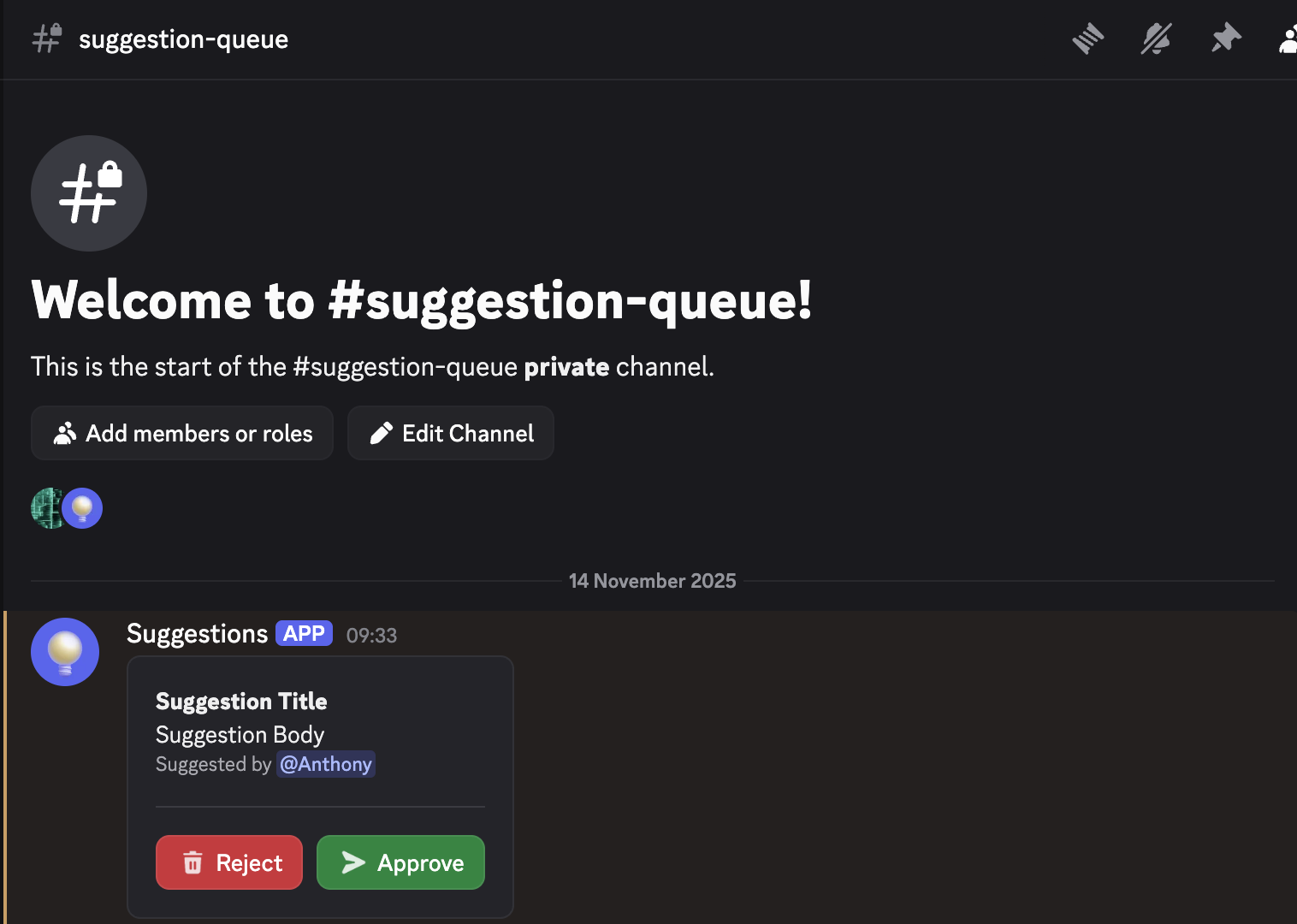
You can approve or reject suggestions using the buttons in the queue channel or by running
/queue.Queue channel
Queued suggestions are sent to this channel and you can approve or reject suggestions.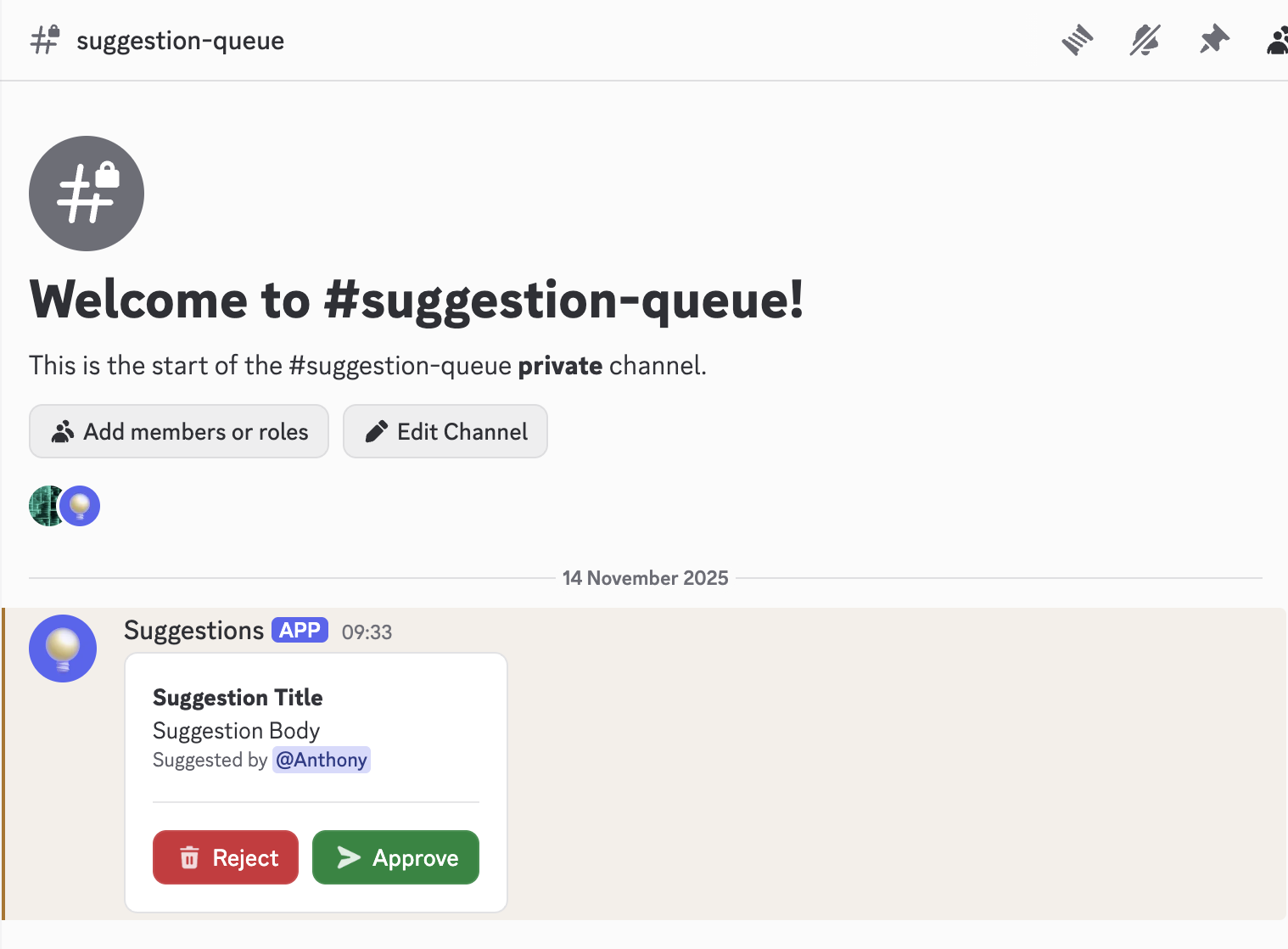
Queue command
You can use the/queue command approve or reject suggestions in the queue.